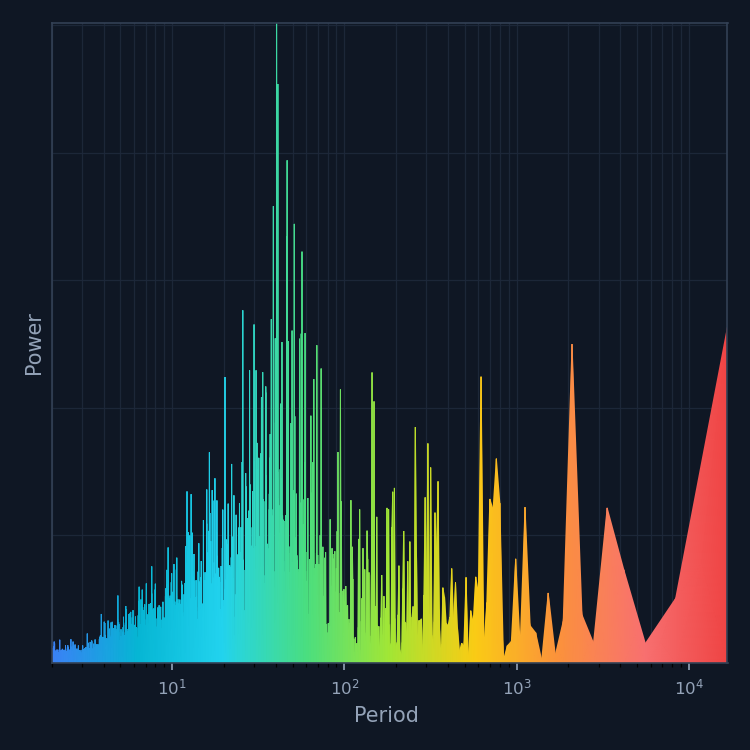



This Project Pythia Cookbook teaches spectral analysis of geophysical data in Python: Fourier and harmonic analysis, spectral filtering, EOF/PCA, Extended EOF (EEOF) analysis, and regression onto diagnostic indices.
Motivation
Climate signals from the seasonal cycle to interannual variability are best understood in frequency space. These notebooks walk from raw time series to practical diagnostics, harmonic regression, spectral filters, power spectra, and EOF-based pattern extraction, including time-extended and multivariable EOFs.
Authors
Juan Diego Mantilla, Sreedevi Puthiyamadam Vasu, Robert R. Ford, Suyue Li, Alex Blackmer, Yiqun Tian, Arman Oliazadeh
Contributors

Structure
Data Analysis Methods
Foundational notebooks cover core spectral and decomposition tools:
Harmonic analysis of seasonal cycles in time series.
Harmonic regression to remove annual-cycle harmonics from atmospheric fields.
Fourier analysis for decomposition, dominant timescales, and spectral filtering.
The Gibbs phenomenon and spectral leakage at discontinuities.
2D/3D - EOF/PCA, including temporal vs. spatial formulations.
Data Analysis Applications
Applied workflows on real atmospheric and oceanic datasets:
Seasonal-cycle removal compared: daily climatology vs. harmonic regression on 850-hPa zonal wind, with spectral checks for residual annual power.
Zonal-wind frequency decomposition: FFT partitioning of interannual, annual, semiannual, and intraseasonal variability.
Extended EOF (EEOF) analysis of tropical OLR to capture propagating modes missed by standard EOF pairs.
Spectral analysis of tropical variability and the MJO: Welch spectra, red-noise significance, 20–90-day bandpass filtering, and Hovmöller diagnostics on OLR and zonal wind.
Multivariate EOFs of OLR and zonal wind to extract a coupled MJO signal and build an RMM-like index.
Regression onto climate indices and PCs, including RMM-based MJO circulation and convection patterns.
Machine learning: Comparison of neural networks trained using raw anomalies versus filtered intraseasonal (~20-90 days) anomalies to forecast 850-hPa zonal wind at subseasonal (~14 days) lead times for a specific location (Nairobi, Kenya). Future plans include developing additional ML models for temperature and precipitation and comparing predictive skill with RMM-based models.
Running the Notebooks
You can either run the notebooks in the Cookbook using Binder or on your local machine.
Running on Binder
The simplest way to interact with a Jupyter Notebook is through
Binder, which enables “one click”
execution in the cloud. Simply navigate your mouse to
the top right corner of the book chapter you are viewing and click
on the rocket ship icon (see screenshots here),
and a text box will appear. Type or paste the Pythia Binder link
(https://binder.projectpythia.org) and click “Launch”.
After a few moments you should be presented with a
notebook that you can interact with. You’ll be able to execute code
and even change the example programs. At first the code cells
have no output, until you execute them by pressing
ShiftEnter. Complete details on how to interact with
a live Jupyter notebook are described in the Pythia Foundations chapter Getting Started with
Jupyter.
Note, not all Cookbook chapters are executable. If you do not see the rocket ship icon, such as on this page, you are not viewing an executable book chapter.
Running on Your Own Machine
If you are interested in running this material locally on your computer, you will need to follow this workflow:
(Replace “cookbook-example” with the title of your cookbooks)
Clone the
https://github.com/ProjectPythia/spectral-analysis-coobookrepository:
git clone https://github.com/ProjectPythia/spectral-analysis-coobook.gitMove into the
spectral-analysis-coobookdirectory
cd spectral-analysis-coobookCreate and activate your conda environment from the
environment.ymlfile
 conda env create -f environment.yml
 conda activate spectral-cookbook-dev
Move into the
notebooksdirectory and start up Jupyterlab
 cd notebooks/
jupyter lab- Mantilla, J. D., Puthiyamadam Vasu, S., Ford, R. R., Li, S., Blackmer, A., Tian, Y., & Oliazadeh, A. (2026). Spectral Analysis for Geophysical Data Cookbook. Zenodo. 10.5281/ZENODO.21139295